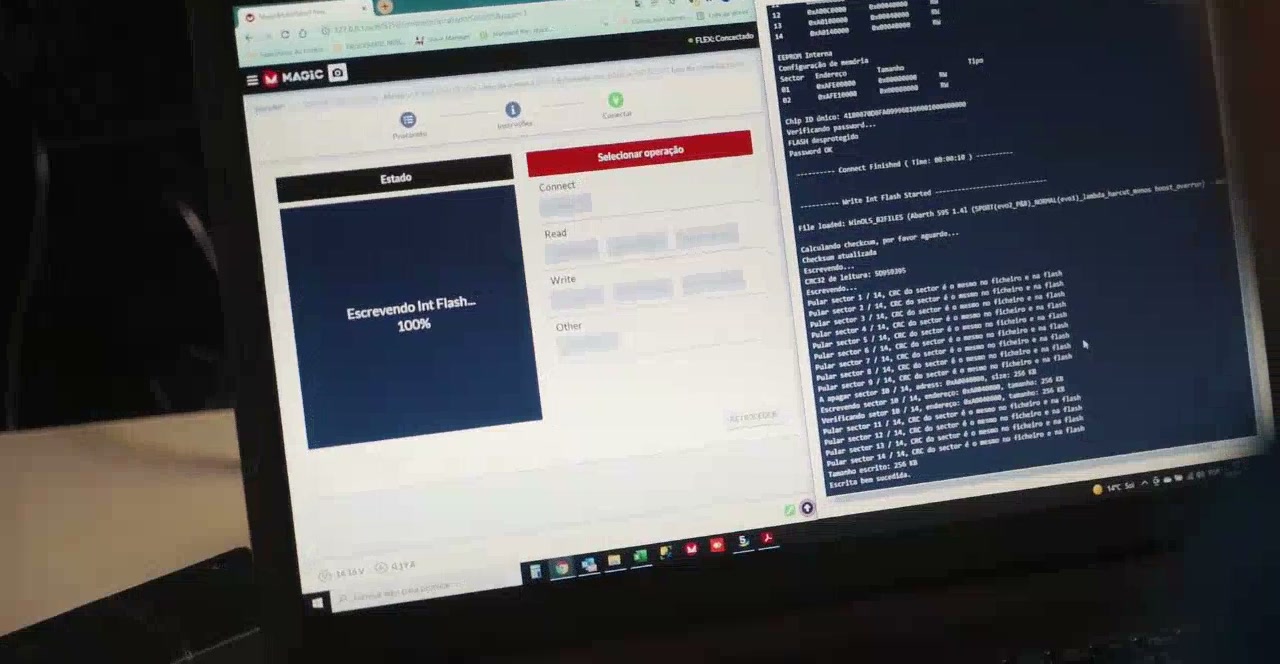
Automatic
Supported ECUs with standard options: Stage 1, Stage 2, pops & bangs, hardcut and common solutions.
- Available
- 24/7
- Typical time
- Minutes
Home/How it works
The portal does the routine work instantly, so you’re not waiting on emails. Here’s exactly what happens to your file.
Register in under a minute. No subscription and no monthly fee. You only pay for the files you order.
Top up by card or PayPal. Credits stay in your account until you use them, and an invoice is created automatically.
Choose the vehicle, upload the file read with your tool and tick the options you want: Stage 1, Stage 2, pops & bangs and more.
The portal identifies the ECU, and applies your options. Custom requests go to an engineer.
Download the modified file, flash it and drive. Need a change? Request a revision from the same page.
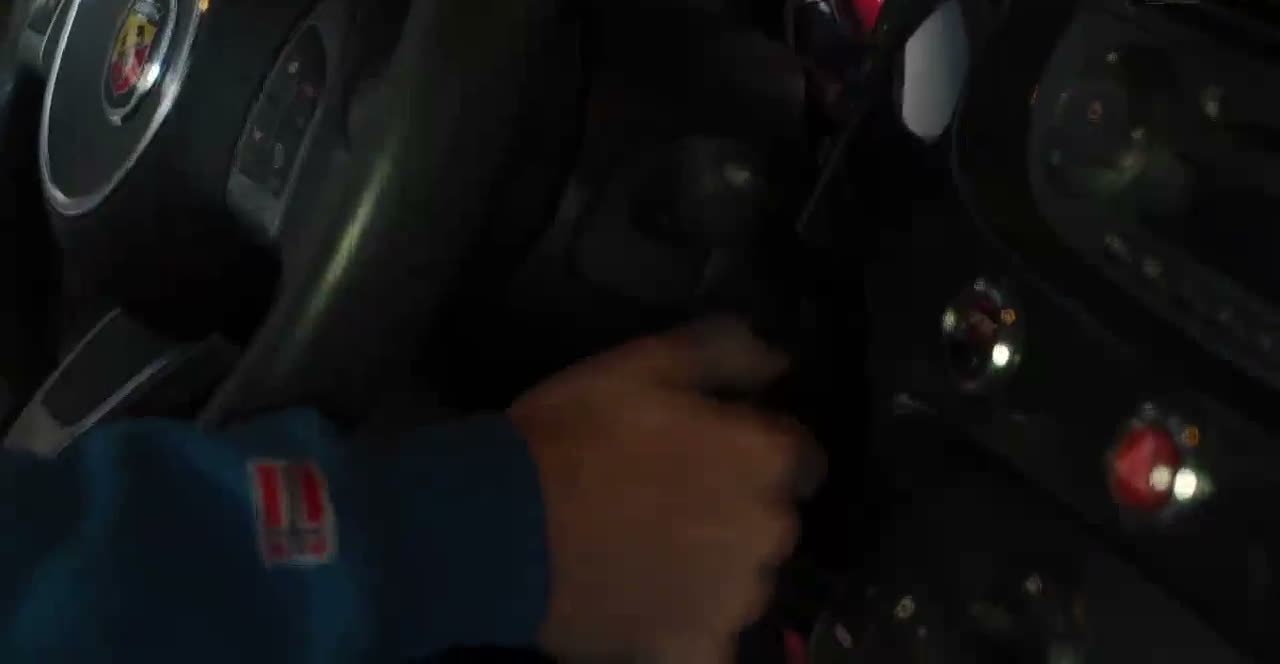
Step 5
Flash it. Start it.
Drive it.
Behind the scenes
Every automatic file runs through the same checks, in seconds. If anything doesn’t match, like an unknown software version or a modified original, it’s stopped and passed to an engineer instead of being guessed.
Two lanes
Supported ECUs with standard options: Stage 1, Stage 2, pops & bangs, hardcut and common solutions.
Custom calibrations, new software versions, unusual hardware and anything that needs a human eye.
Questions
Anything else? Contact us.
For supported ECUs and standard options, the file is usually ready within minutes of uploading, at any time of day.
It goes to an engineer, who handles it during support hours. You can follow its status in your account and you’re notified when it’s ready.
Open the file in your account and send a revision request with your notes and logs. We’ll update it.
Yes. Every credit purchase creates an invoice automatically in your account.